Everything works together.
Bring email, calendar, tasks, and notes from all your accounts into one place for a clearer view of your day.
Connect your Apple, Google, and Microsoft accounts.
Synapser brings everything together so its AI can understand what’s happening across your day and suggest what to do next.
 14-day free trial. Subscription required.

Screen recording of Synapser, visiting all five tabs in turn: the dashboard with today’s suggestions, colour-coded schedule and map; the unified inbox; the calendar in week and month view; the task list across three providers; and the notes grid.
Bring email, calendar, tasks, and notes from all your accounts into one place for a clearer view of your day.
AI surfaces what matters and suggests your next step. You choose what to accept or skip.
Spend less time managing tools and more time on your work and life. You stay in control.
Plans can start in an email, a note, or a chat with friends.
With your consent, Synapser finds useful tasks and events for you to review.
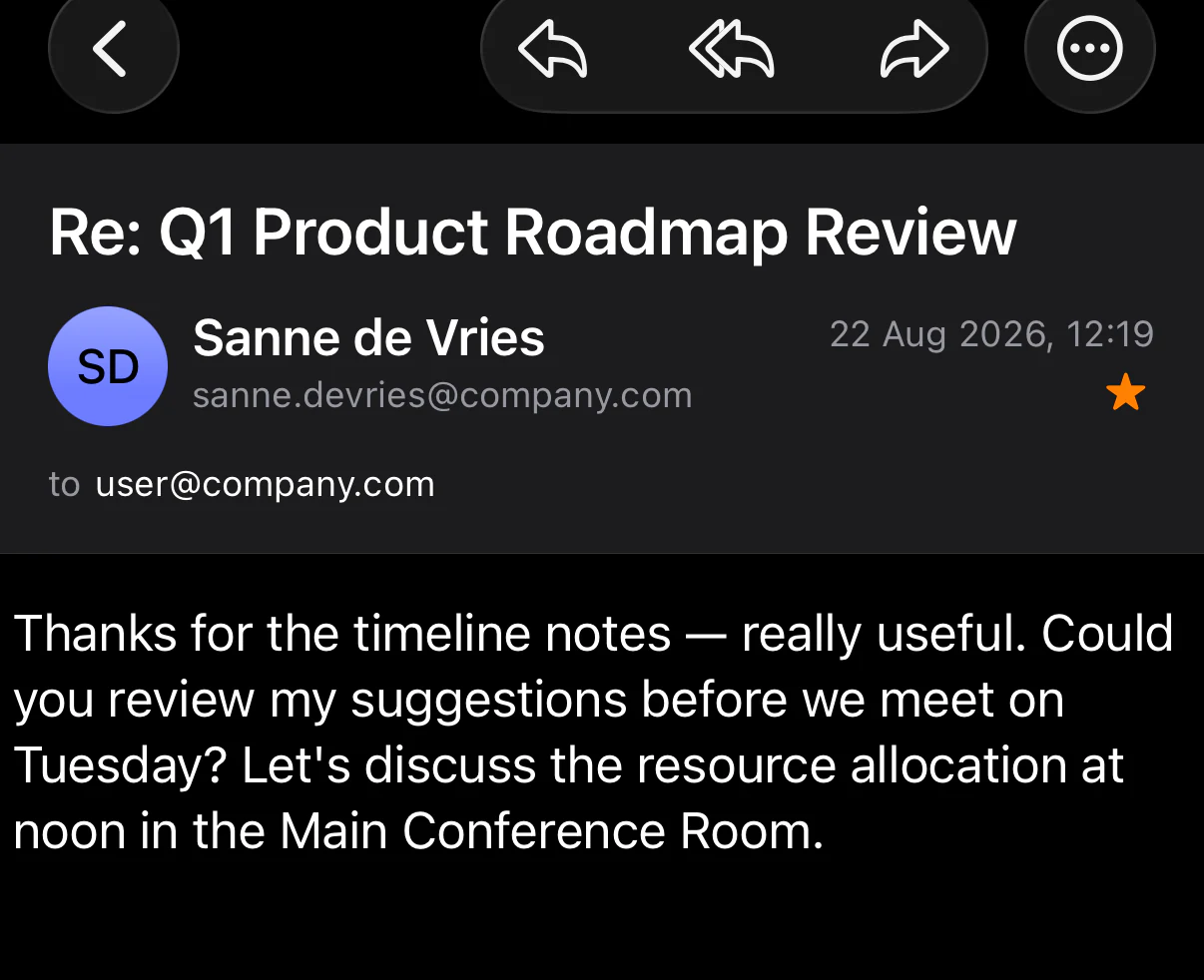
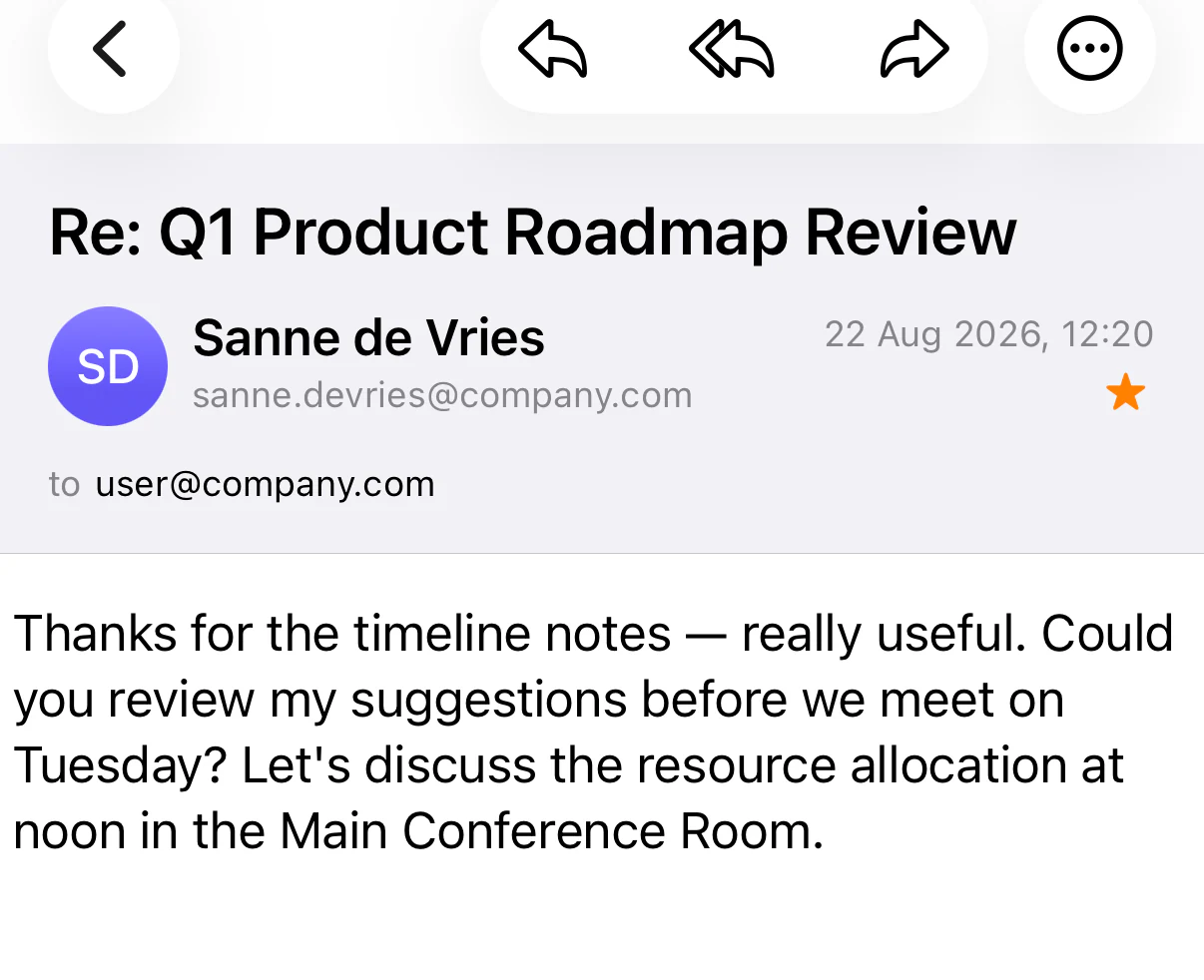
 and offers ready-made next steps
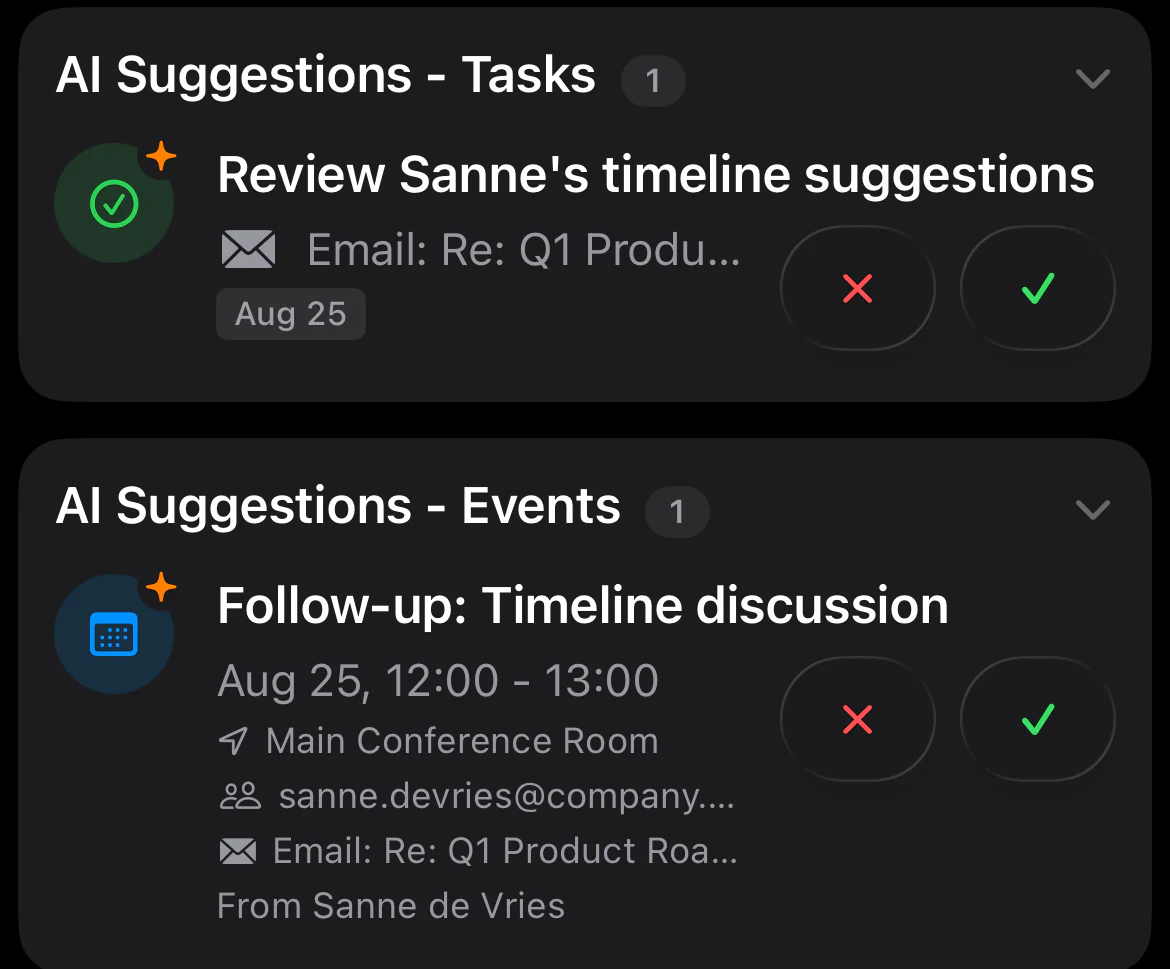
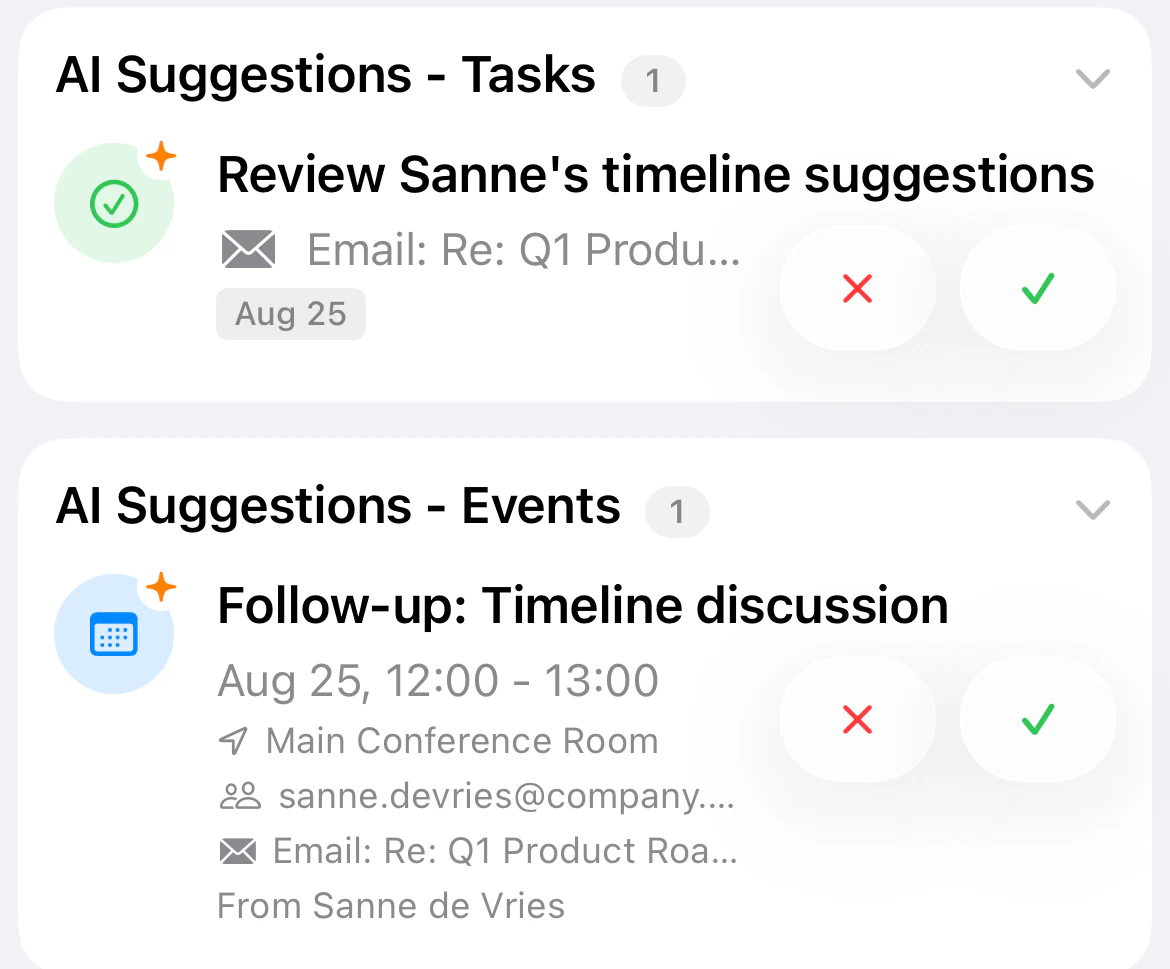
One screen for what’s happening: the meetings ahead, the tasks still open, suggestions Synapser has drawn from your email and the full context of your day.

Screen recording of the Synapser dashboard, scrolling from the AI suggestions through today’s colour-coded schedule with the current event highlighted, the pending invitations, the open tasks and reminders, the days ahead, and the map of where the day is taking you.
Manage multiple Gmail, Outlook, and iCloud Mail accounts in one place — send, reply, and stay on top of conversations without switching apps.

Screen recording of the unified inbox, with work and personal mail from every connected account in one list.
Google Calendar, Outlook Calendar, and Apple Calendar merged into one view. See your entire life at a glance. Schedule with confidence.

Screen recording of the unified calendar.
Google Tasks, Microsoft To Do, and Apple Reminders unified. Stop wondering where you wrote that to-do. See everything in one place.

Screen recording of the unified task list.
A dedicated space for your thoughts. Write notes and share them with others. When you want tasks and events from a note, tap and Synapser suggests them for you to confirm.

Screen recording of notes in Synapser.
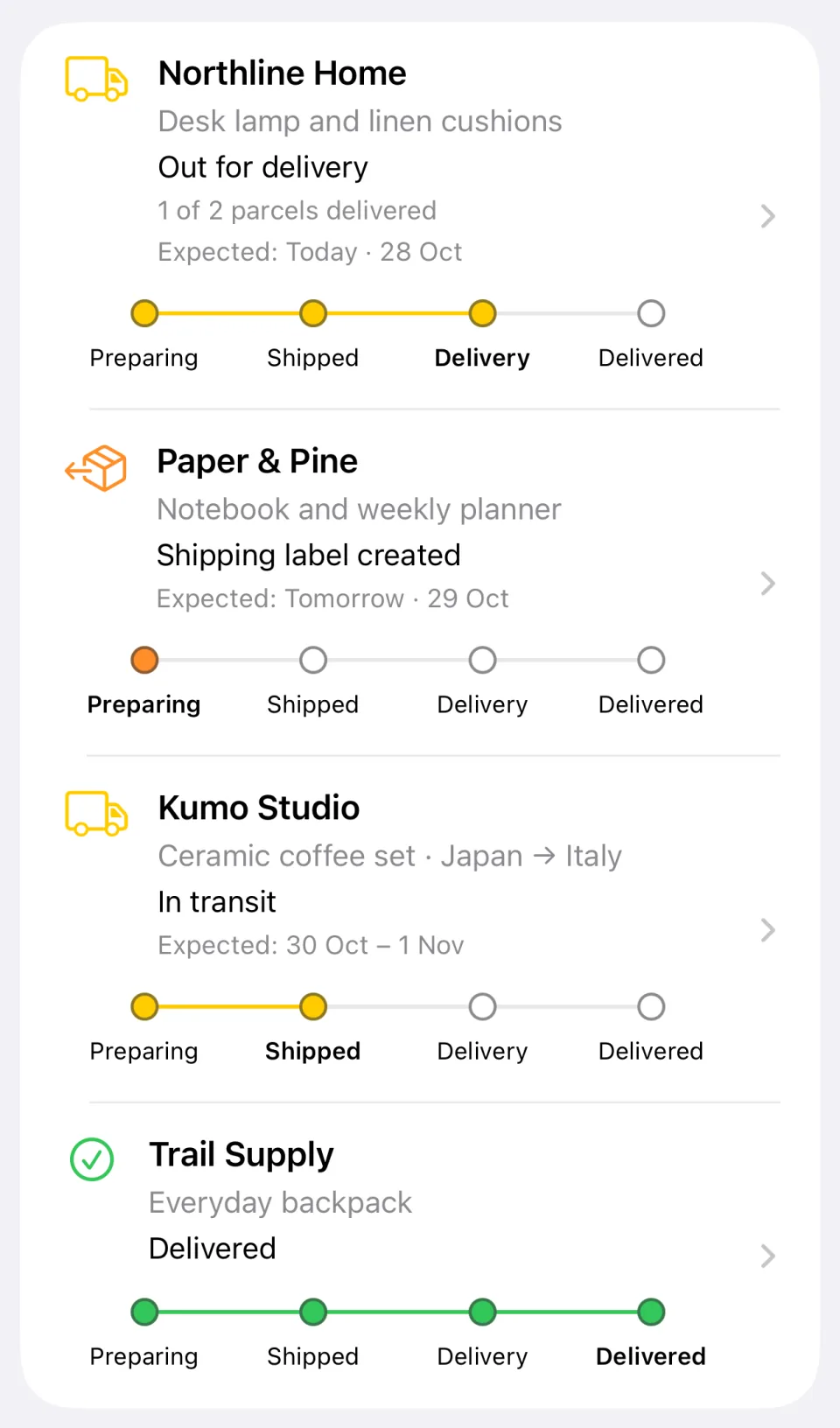
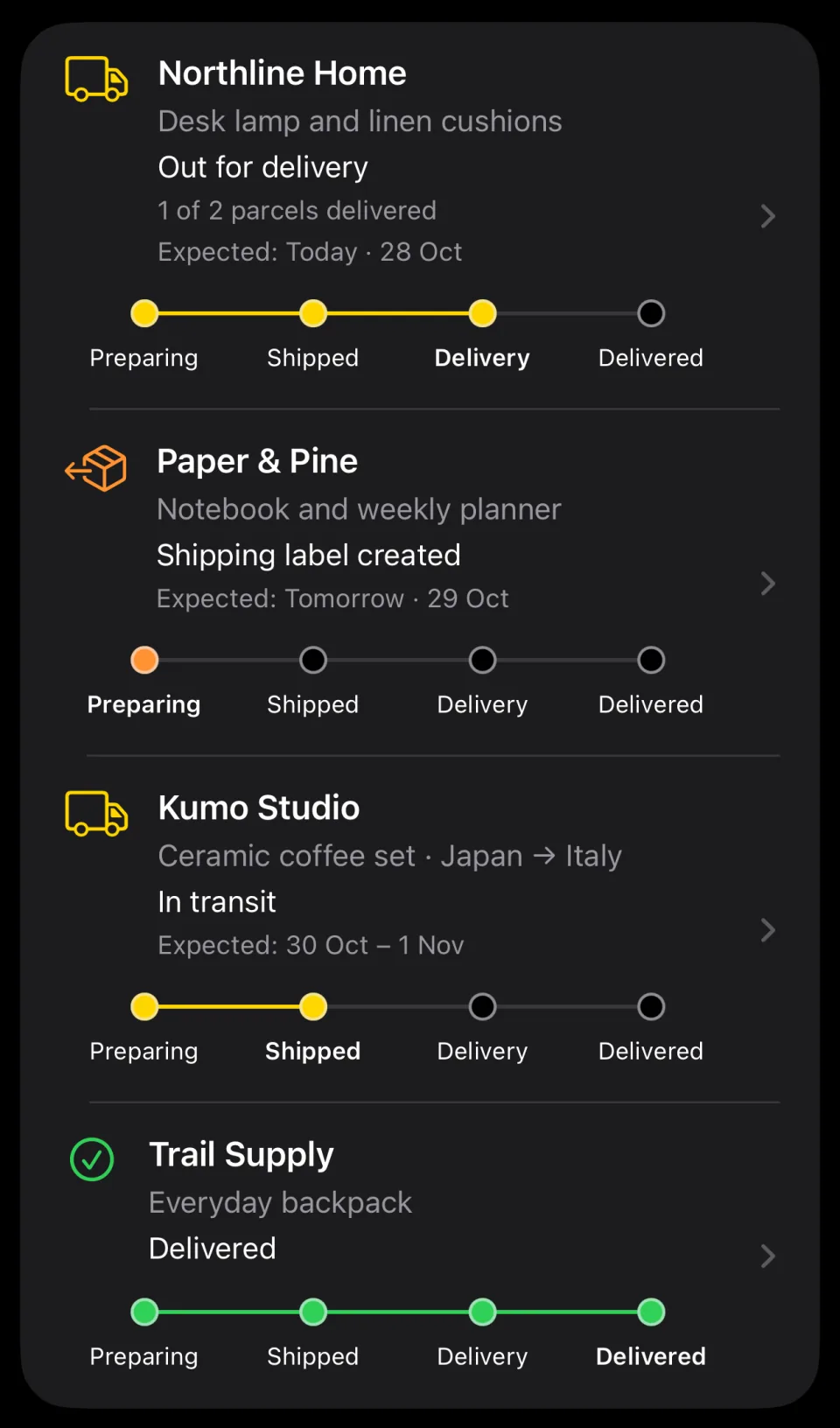
From birthday gifts to everyday essentials, keep track of your purchases in one place. Synapser detects orders from your connected email accounts and brings together shipping updates, delivery estimates, and order details.
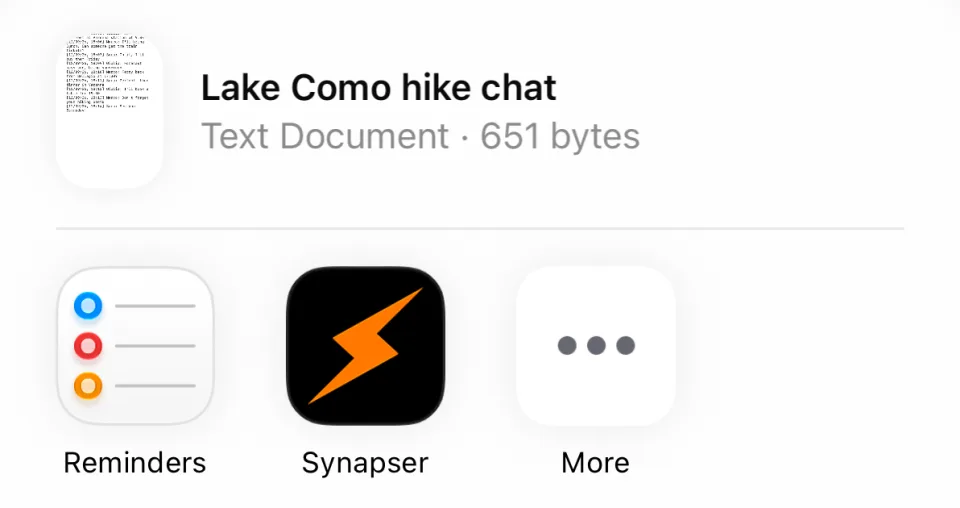
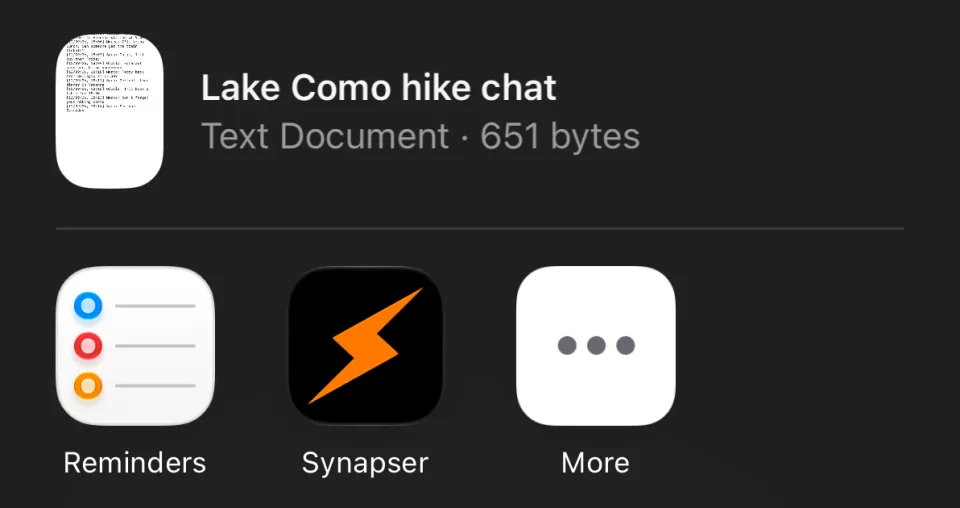
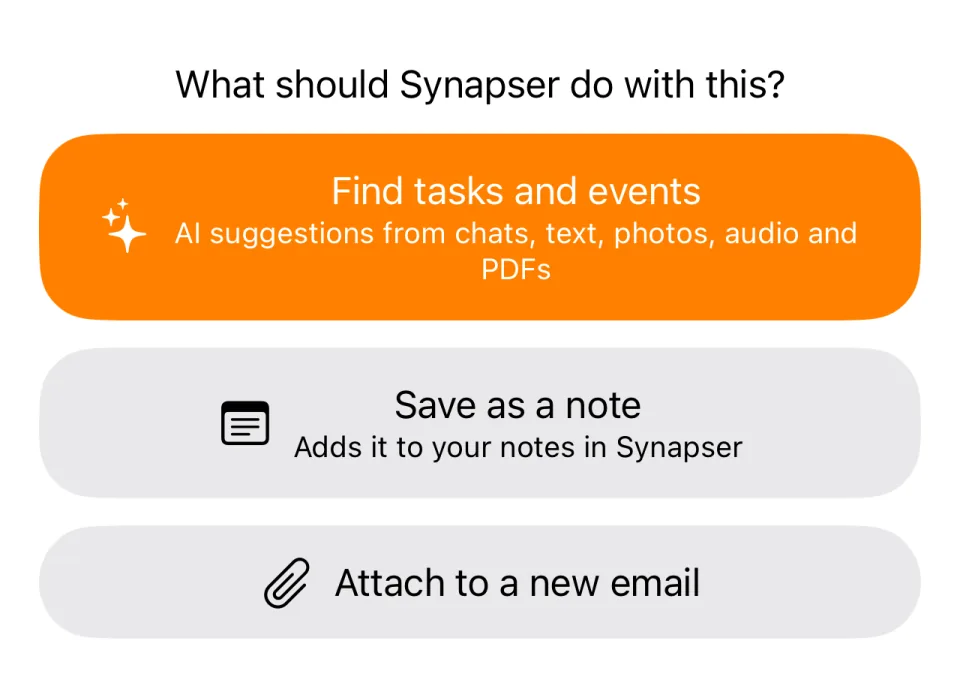
Got plans in a group chat or a file? Share an exported chat, text, photo, audio file, or PDF with Synapser. Select Find tasks and events from the share sheet, then review AI suggestions in the app.
Find email, events, tasks, notes, contacts, AI suggestions, and saved orders in one place. With Google Drive connected, search file names and metadata too.
from:, has:attachment, before:, exact phrases — work here too.One tap away from every tab, with your recent searches ready when you return.
Synapser works with the accounts you already trust.
Can also import notes from the tools you already use.
We take security seriously, and we protect your data.
OAuth connections; credentials encrypted at rest.
Core services and stored data run in the EU.
Control AI and optional diagnostics in-app.
Export your data or delete your account.
Synapser can be the one app you open for your email, calendars, and tasks. Everything you do in Synapser — like replying to an email, updating an event, or completing a task — syncs back to the original provider, keeping your connected accounts up to date.
You choose which accounts to connect and which permissions to grant. Google and Microsoft use their secure authorization process, so Synapser never receives your account password. Apple Calendar, Reminders, and Contacts connect through permissions on your iPhone, while iCloud Mail uses an Apple-generated app-specific password. You can disconnect any account at any time from Synapser’s settings.
Yes — connect as many accounts as you need and see them all in one view. For example: two Gmail accounts, a work Outlook, and a personal one.
Yes. Search email, events, tasks, notes, contacts, AI suggestions, and saved orders together. With Google Drive connected, you can also find files by name and metadata. You can also narrow your search to a single category or use familiar operators such as from:, has:attachment, and before:.
Sync timing depends on the provider and connection. Some services notify Synapser when something changes; others are checked periodically. Pull down to refresh when you need the latest information.
Signing out just ends your session on that device — nothing is deleted, and everything is there when you sign back in. Disconnecting a connected account is different: the data synced from it is deleted from Synapser. Deleting your Synapser account starts removal of your data, subject to the limited retention described in our Privacy Policy. You can request an export before deleting your account.
Synapser connects the context across your email, calendar, and tasks to suggest useful next steps — from creating a task with a title, due date, and subtasks when needed, to preparing a meeting with the time, attendees, and location already filled in.
No. Synapser suggests actions, but you stay in control. You can review, edit, accept, or ignore each suggestion before anything happens.
Your personal data is used to provide Synapser’s features and keep your connected accounts in sync. We don’t sell your personal data, monetize your content, or use your data to train AI models. Some data is processed by trusted service providers where needed to deliver Synapser’s services, including AI suggestions if you choose to enable them. We take responsibility for how your data is handled, and you can find full details in our Privacy Policy. You can manage your privacy preferences and connected accounts at any time in the app’s settings.
Synapser requires an iPhone with iOS 27 or later. We’re focused on making the iOS experience great before expanding to other platforms.
Yes. Everything already synced stays readable on a plane or underground, and anything you change is queued and sent the moment you have a connection again.
Synapser’s interface is in English, while AI suggestions can follow the language of the content they’re based on. For example, a note in Italian can generate a reminder in Italian, while a German email can generate a task in German.
Your orders stay in Order History, even after they disappear from your Dashboard.
Go to Settings → Orders to choose how long delivered orders remain visible: 6, 12, 24, 48, or 72 hours, or 7 days. The default is 24 hours.
Want to keep your inbox organized? Enable Auto-Archive Order Emails to automatically archive related emails once a successfully delivered order leaves your Dashboard. This feature is off by default, and your emails are never deleted.
Auto-archiving only applies to linked emails still in your inbox. Cancelled, returned, partially delivered, or problematic orders are excluded. Orders that left your Dashboard before you enabled the feature are not affected. Read the Orders guide.
Yes! AI suggestions for notes run only when you ask: tap Find tasks and events whenever you want AI to identify potential tasks and events in a note.
Creating, editing, or importing a note does not start AI analysis. Each participant in a shared note can ask for their own suggestions.
AI Suggestions consent and an active subscription are required. You’ll always review suggestions before adding them as tasks or events. Read the Notes guide.
Yes. Add the Month, Week, or Day widget in the large or extra-large size. Each one shows events from all your connected calendars and tasks with a due date. It also shows AI suggestions when AI Suggestions is on, and deliveries when AI Suggestions and Order Tracking are on. Completed deliveries stay on their actual delivery day when that date is available.
Use ‹ and › to browse, or This month, This week, or Today to return to the current period. The widget is set to return ten minutes after your last tap; iOS controls when it refreshes. Tap a day to open it in Synapser. On today, the Day widget also lists overdue tasks.
An active subscription is required. Read the Calendar guide.
Synapser is a subscription with a 14-day free trial, billed through the App Store — open the app and you’ll see the exact price before you subscribe.
Your digital life together: One inbox. One calendar. One task list.
AI that finally understands your day.